
Undo a live run
Every live run saves the value it replaces before each change. Undo writes those values back, as a new live run.
Undo a live run
Section titled “Undo a live run”- Open the run’s report: from the profile’s Runs tab, or from the Runs page.
- Choose Undo run….
- The dialog lists what Will be restored, and anything that Can’t be restored: variants deleted since, or fields that were empty before the run.
- If values changed in your store since the run, the dialog lists them, showing the value Now, what the run wrote, and the value After undo. Undo still goes ahead: restored values overwrite those changes.
- If the run created products, choose What happens to the new products:
- Archive them: hidden from your store, kept in Shopify;
- Delete them permanently: removed from Shopify with their images and variants. This can’t be undone.
- Tick the confirmation, then choose Undo run #….
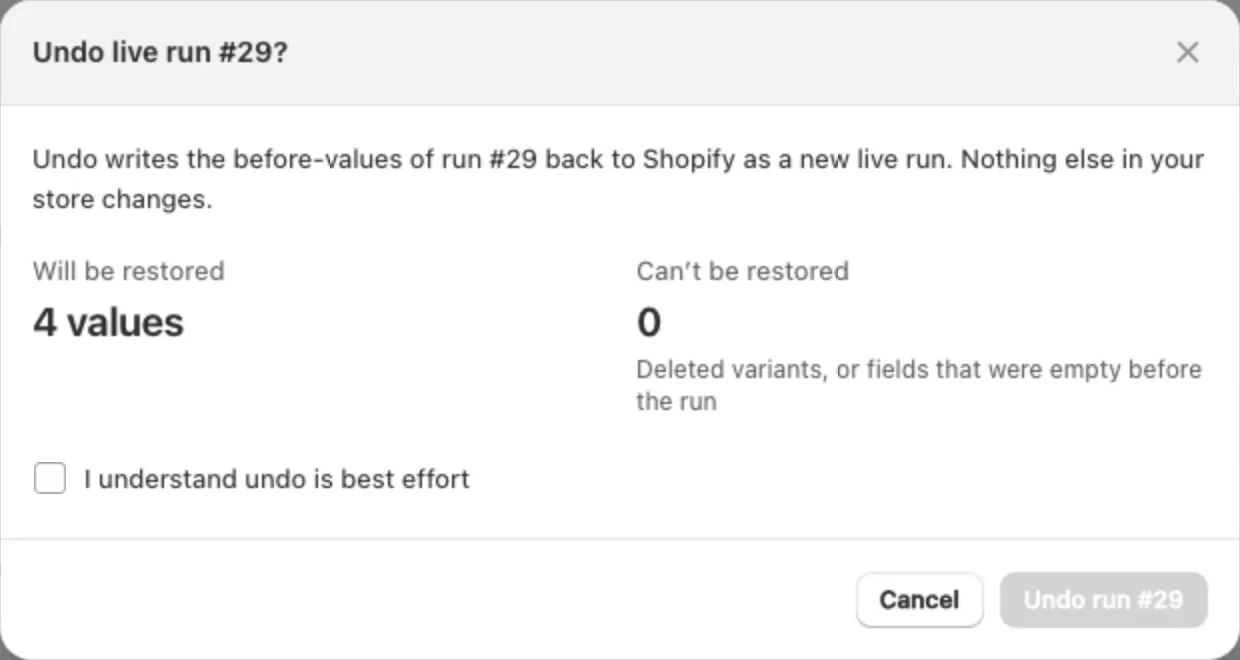
Undo restores only what the run changed. Nothing else in your store changes.
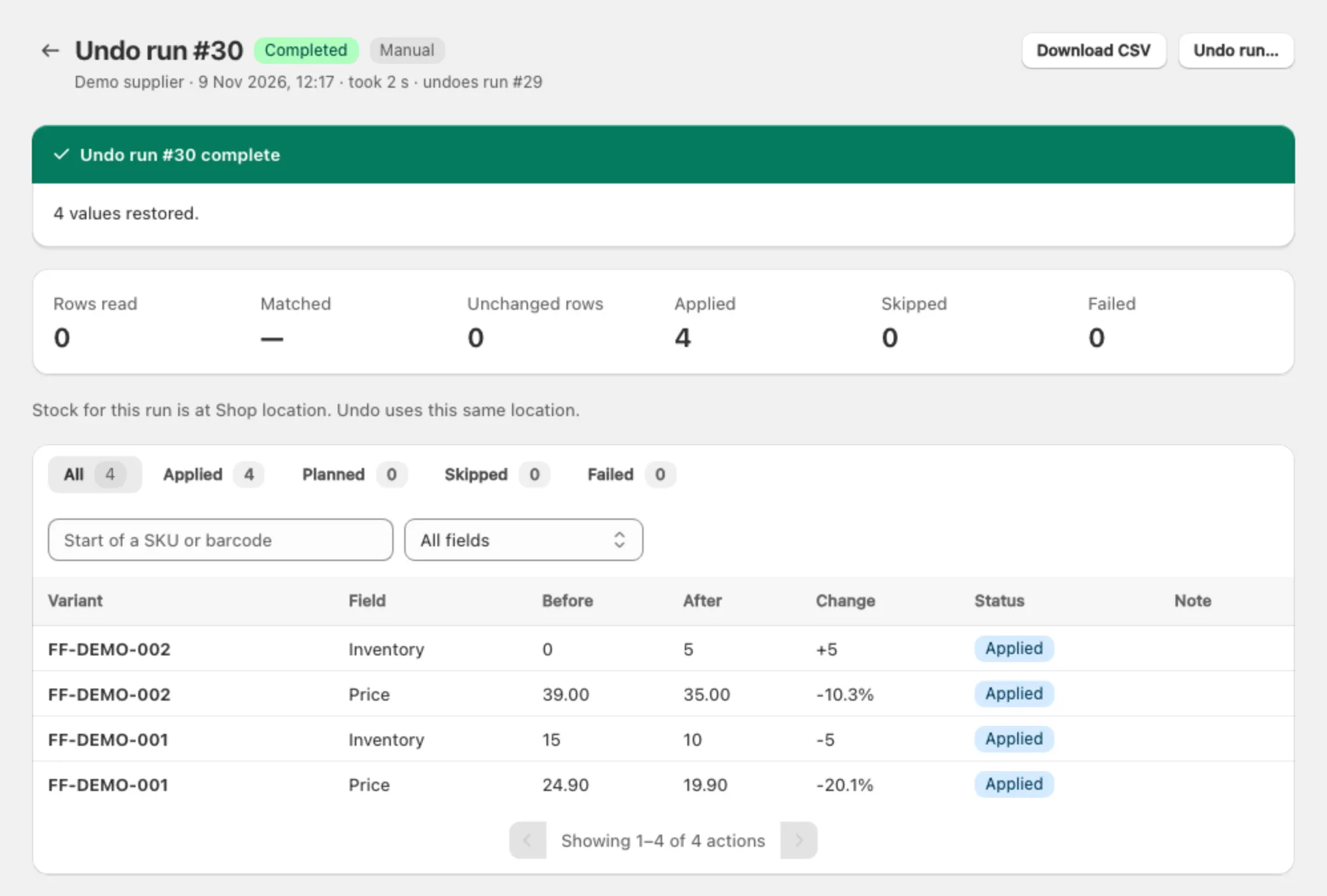
Undo is best effort: it writes back every value it can, but a variant deleted since, or a field that can’t be set back to empty, can’t be restored. The dialog lists these before you confirm, and the undo’s own report shows what was restored.
Good to know
Section titled “Good to know”- Undo restores a whole run, not single rows.
- An undo can be undone. It is a live run of its own, with its own report. Archived products become visible again; deleted products, variants and collections stay deleted.
- Variants the run added to products you already had are deleted. A collection the run created is deleted, unless it holds products the run didn’t create.
- Stock is restored at the location the run wrote to.
- A deleted profile’s runs can still be undone from the Runs page.
- Undo needs the run to have finished. Wait for a run in progress to finish first.
How long you can undo
Section titled “How long you can undo”Run history, including the values a run replaced, is kept for 90 days. After that, the run and its undo are no longer available.